
Layered image maker
Layered image maker: photo to paper-cut layers and SVG cut files
Turn a photo or a short prompt into 2–8 flat tone layers you can cut from cardstock, vinyl or wood, or print as spot-colour films. Check every sheet in a 3D stack and a light box before you cut.
Flatten size
Layers
Mode
Each sheet is cut away more than the one beneath it; the back sheet stays whole.
46 credits
Free credits after you confirm your email: enough to vectorize one piece of your own flat art (13 credits).
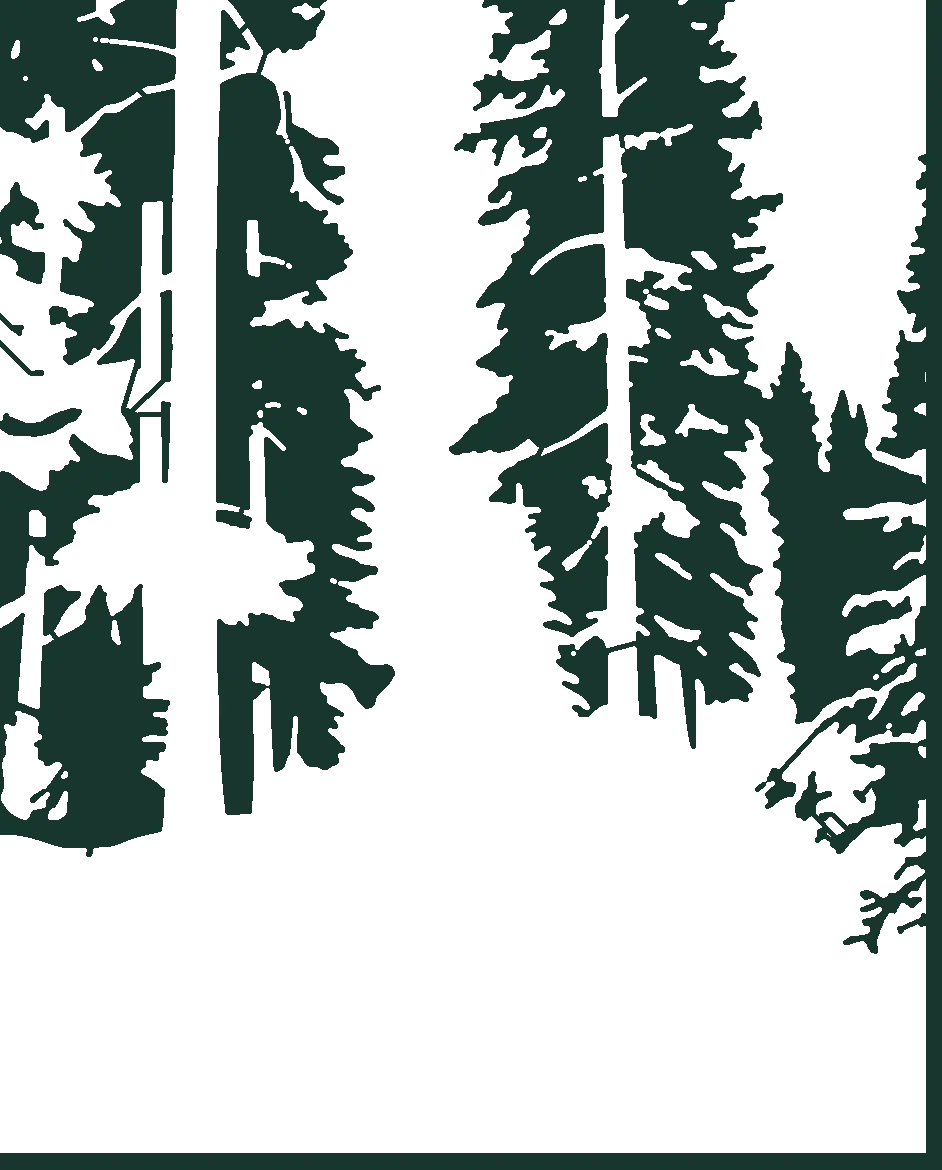
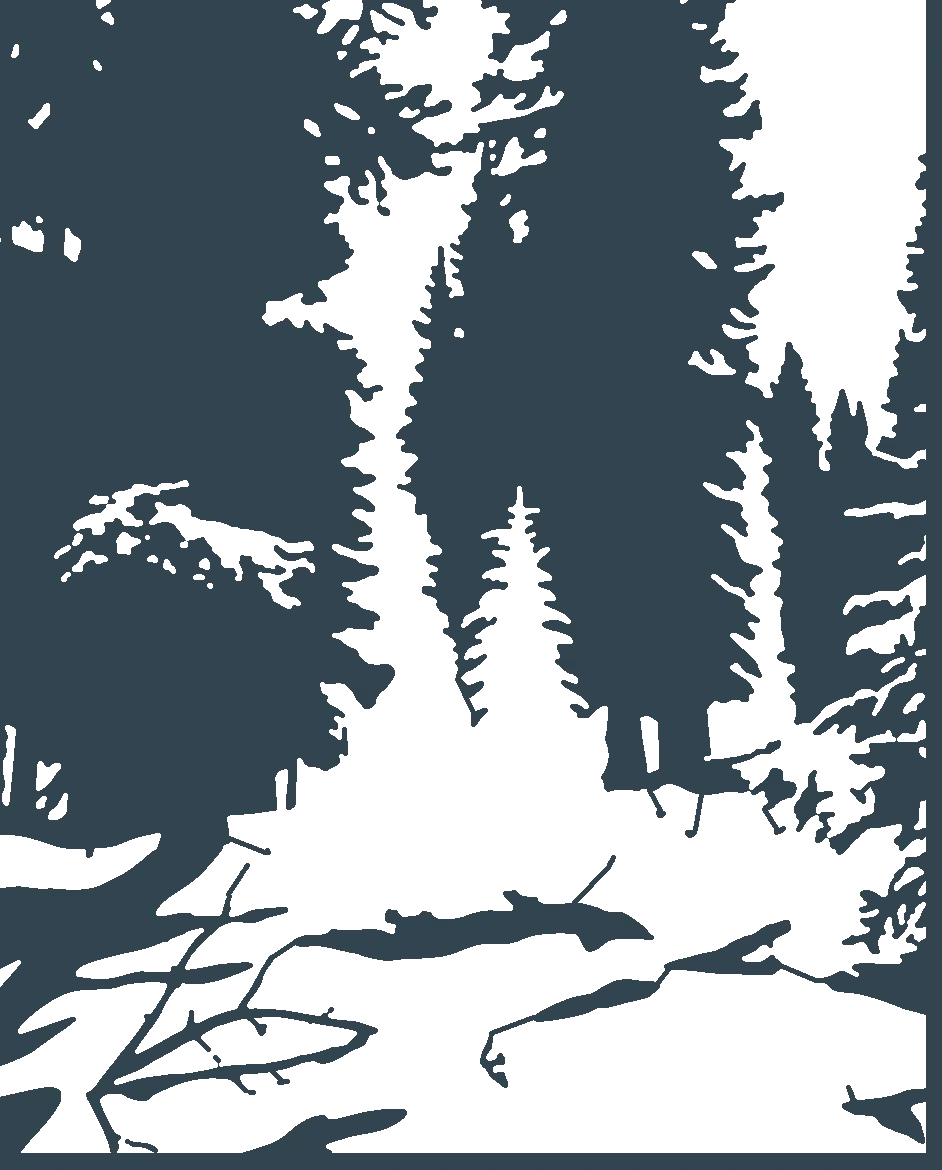
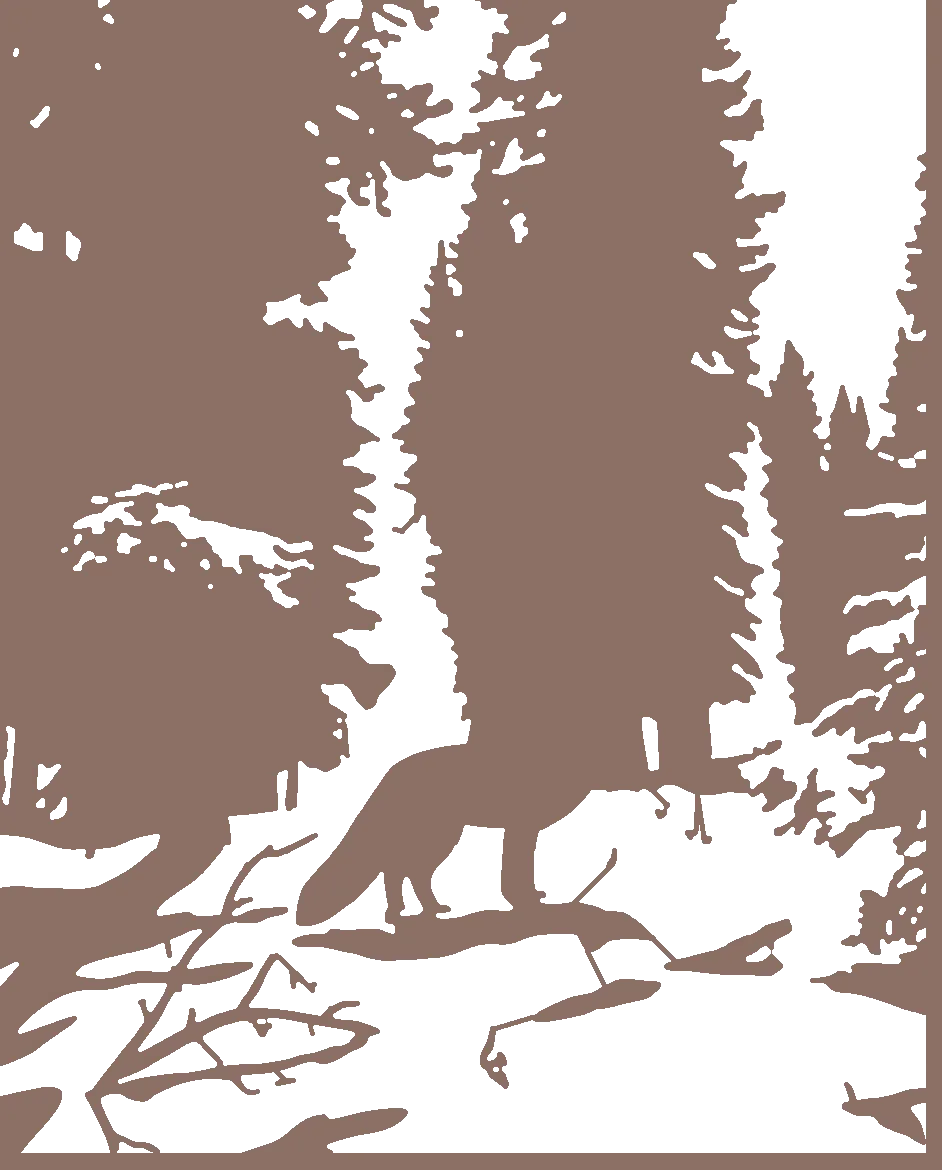
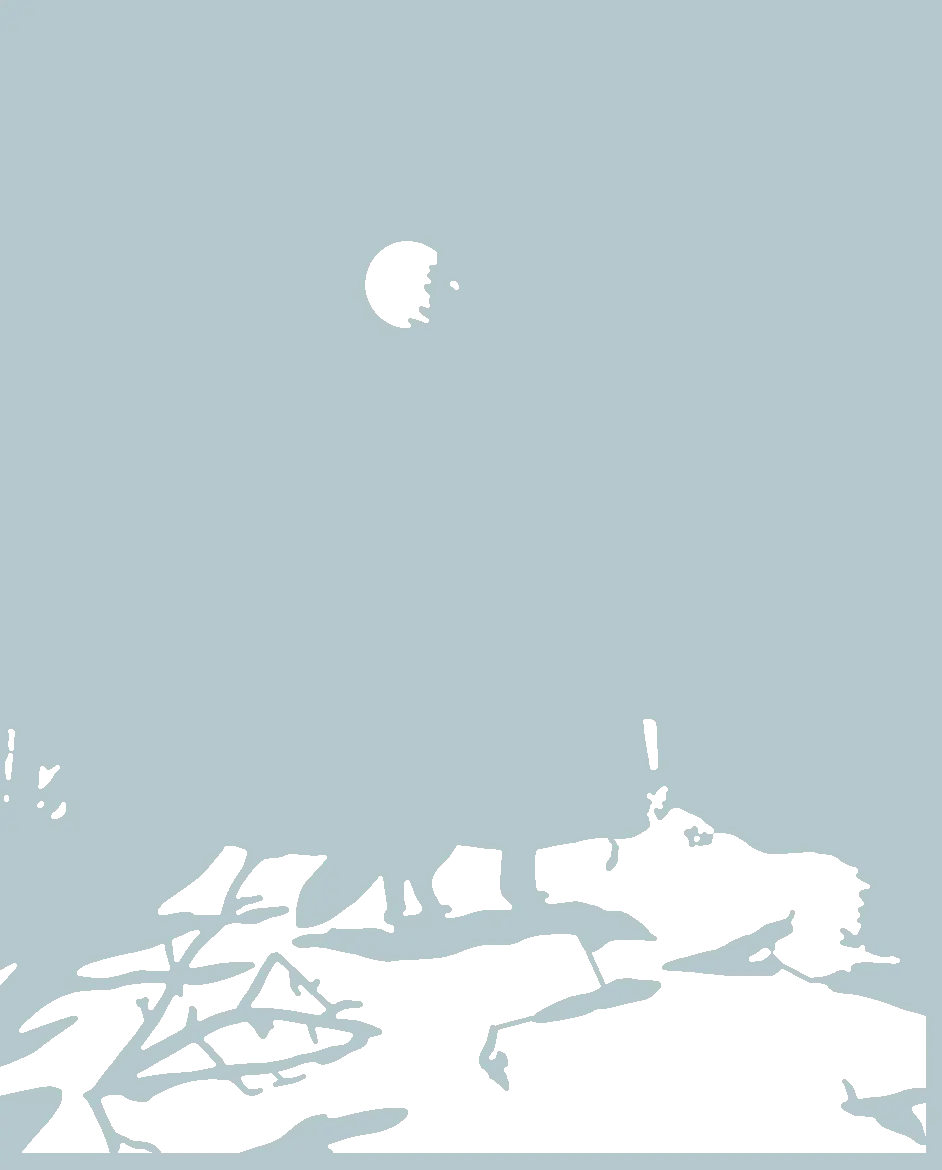
- Sheet 5: Charcoal
- Sheet 4: Charcoal
- Sheet 3: Olive
- Sheet 2: Mint
- Sheet 1: White
A real design from this studio. Add your own picture to start.
How it works
Image to layers you can cut
Three steps from a picture to a stack of cut files.
1Add a picture
Upload a photo (JPG, PNG, WebP or HEIC up to 15 MB), describe a scene, or bring flat art you already drew.
2Set layers and size
Pick 2–8 layers, the frame size in mm or inches and the thinnest line your cutter handles. Floating pieces get bridges to the frame.
3Preview, then cut
Tilt the sheets apart in 3D, switch on the light box, then download SVG cut files, DXF, PNG at 300 dpi or print films.
Made here
Layered designs from this studio
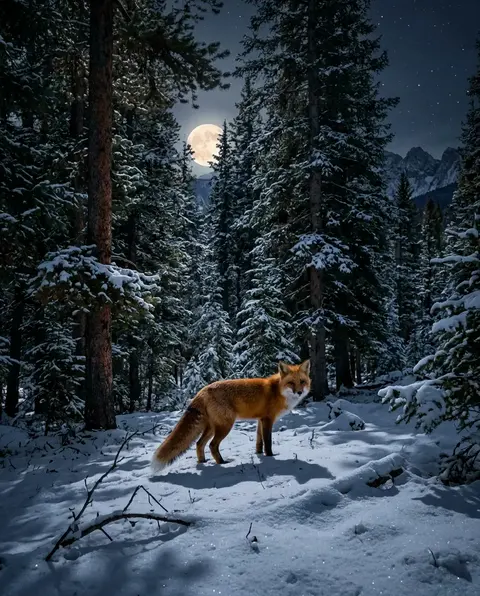
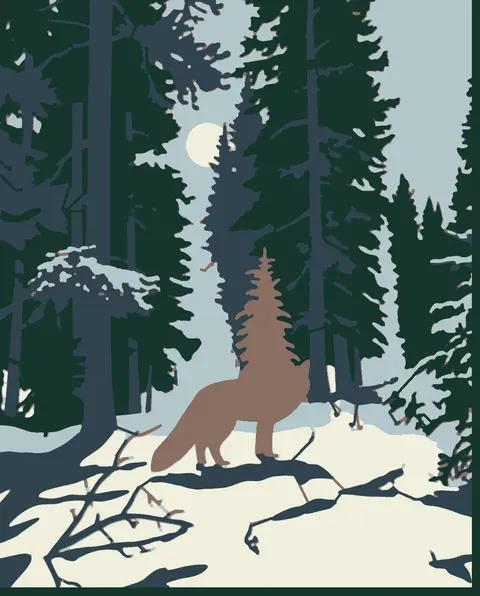
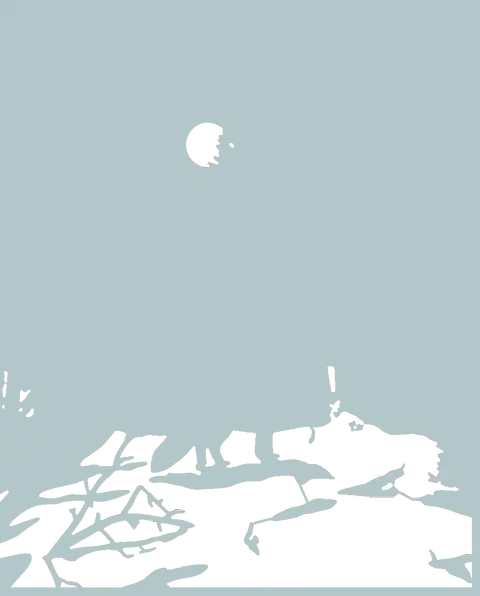
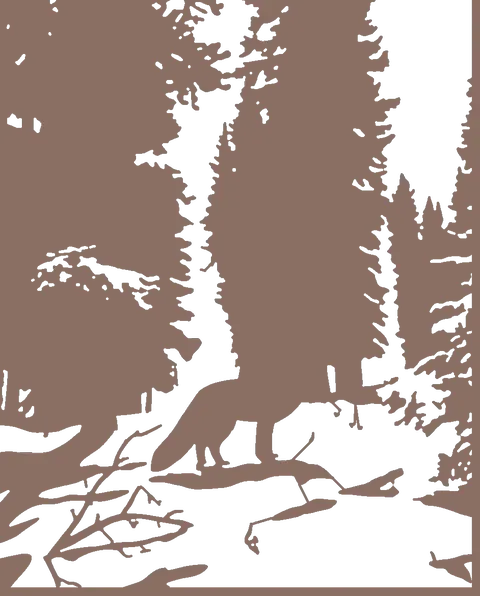
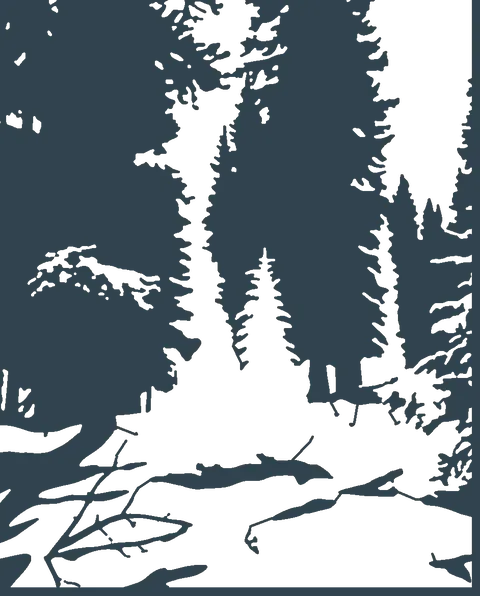
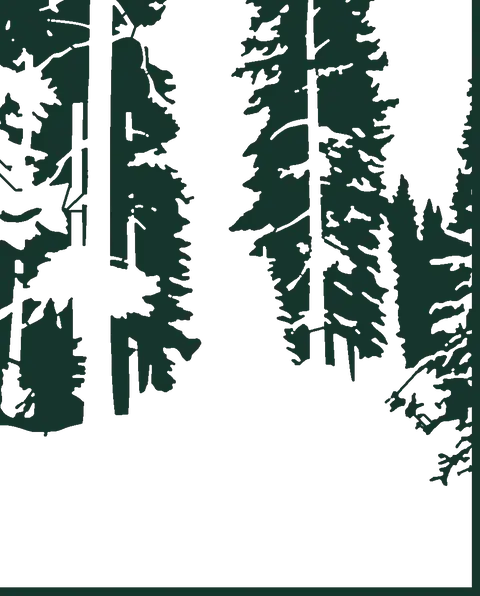
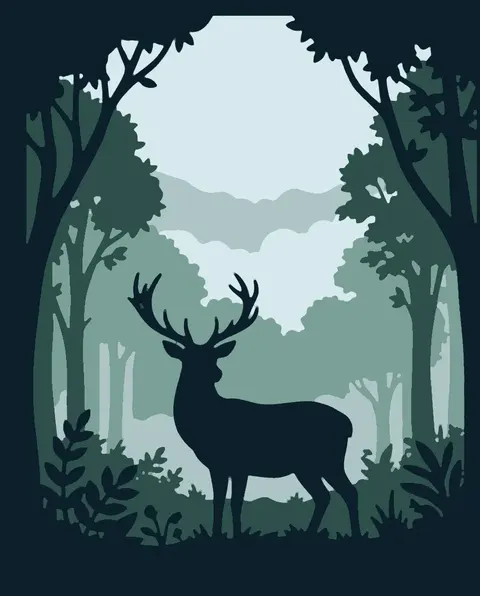
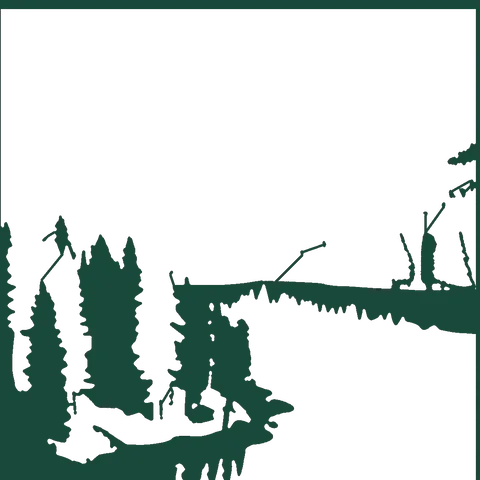
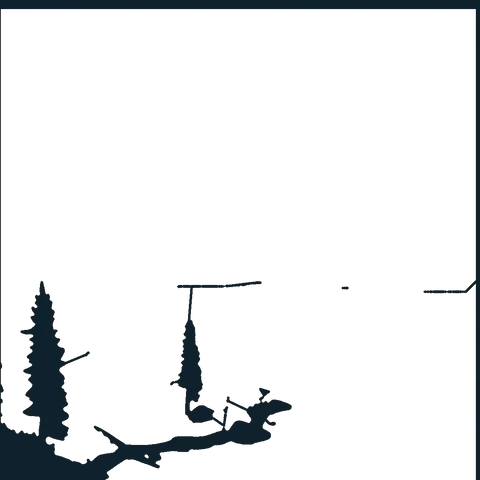
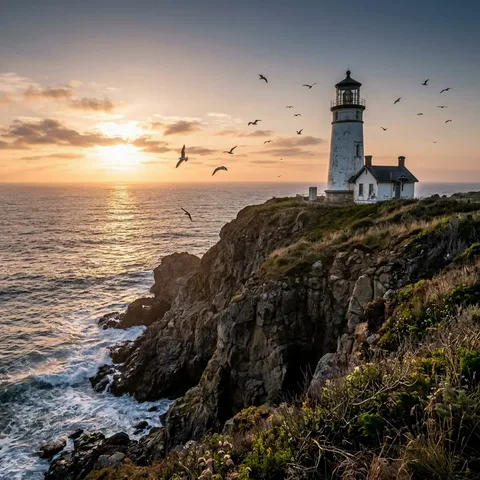
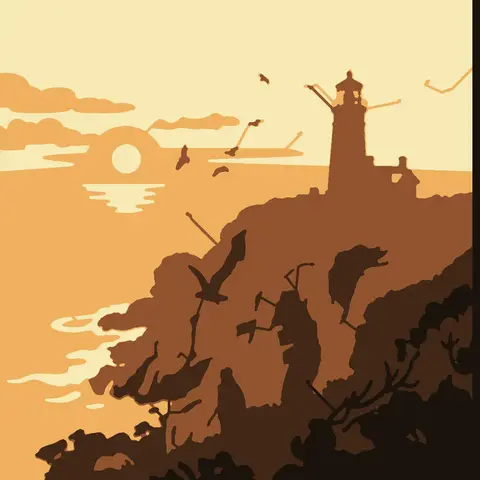
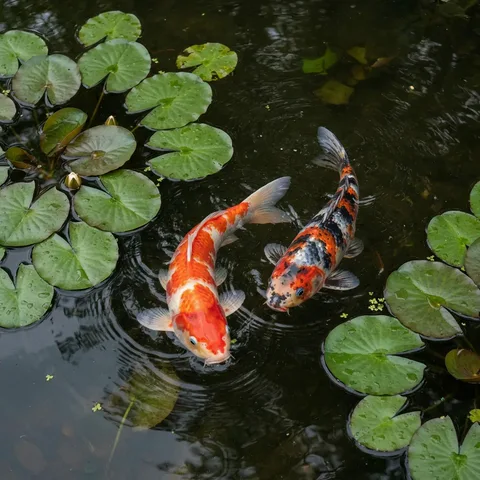
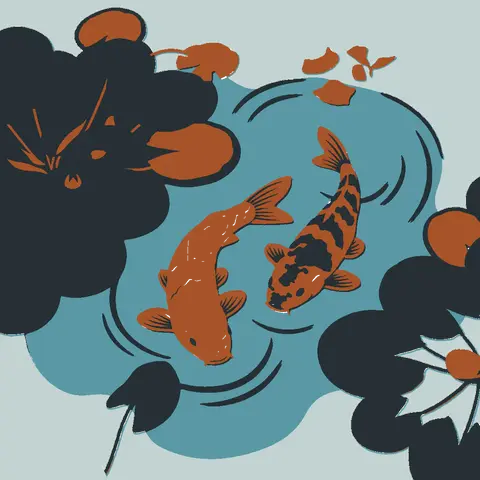
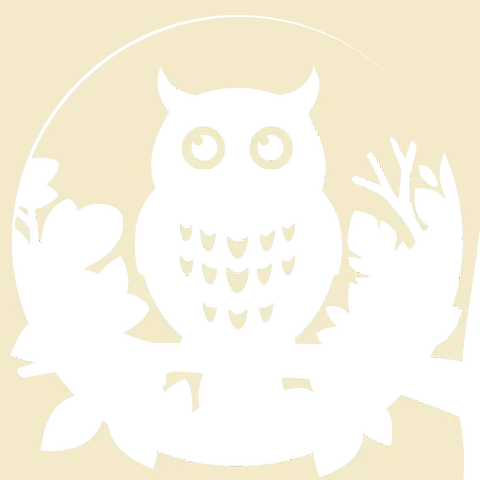
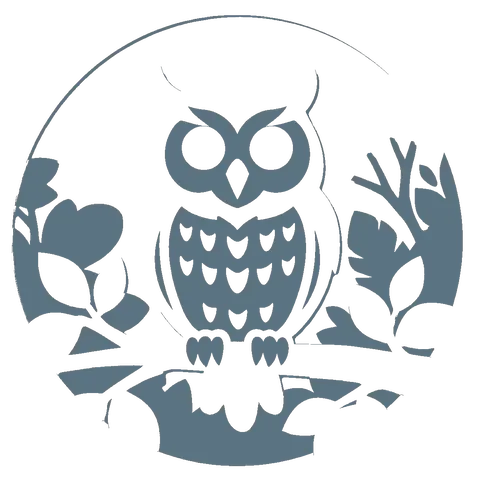
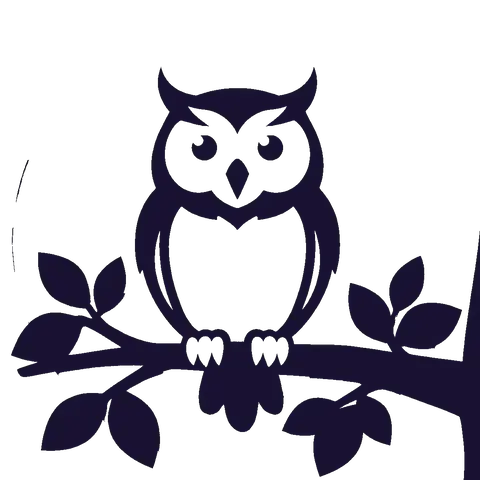
Each card shows the source picture, the finished stack and every cut sheet, back to front. Sources are AI-generated scenes we made for these examples.
 01
 02
 03
 04
 05
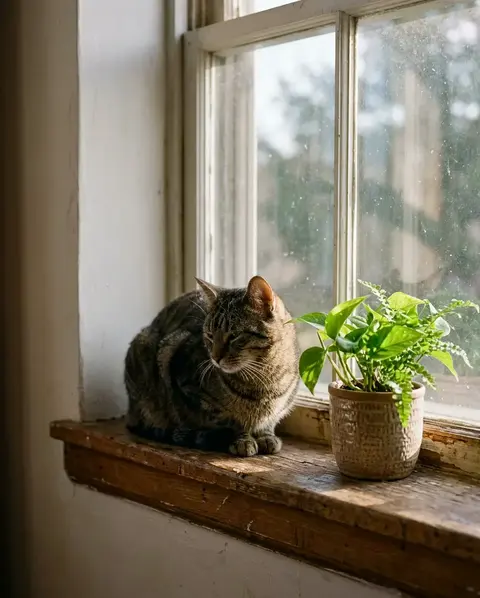
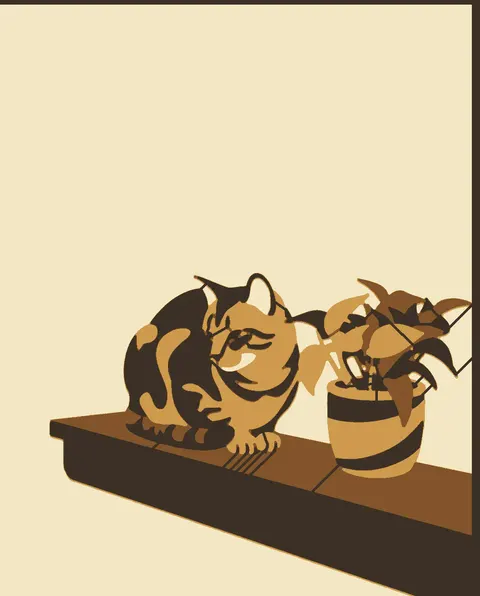
 01
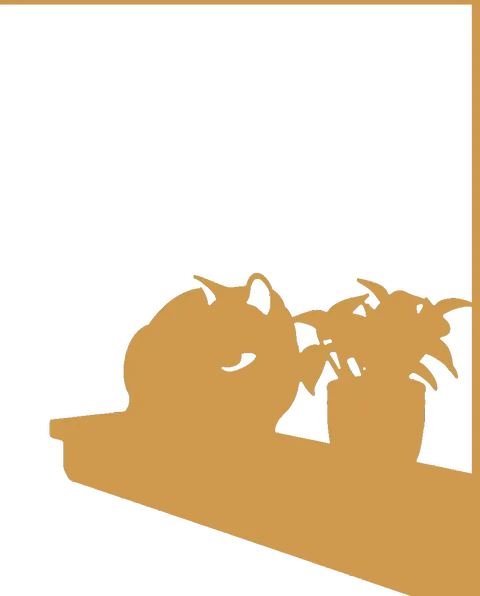 02
 03
 04
“A deer standing in a misty forest under a full moon”
 01
 02
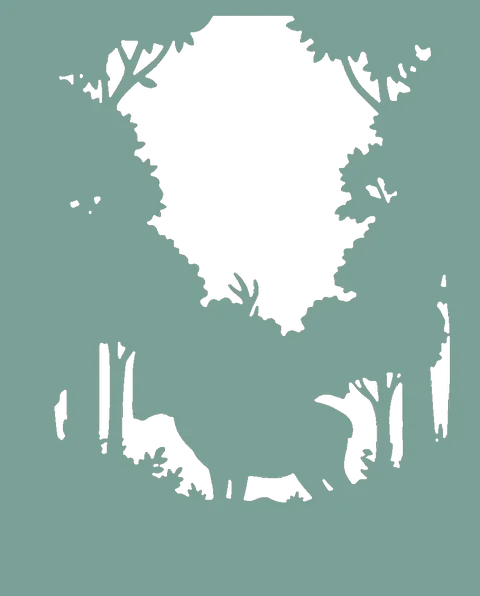 03
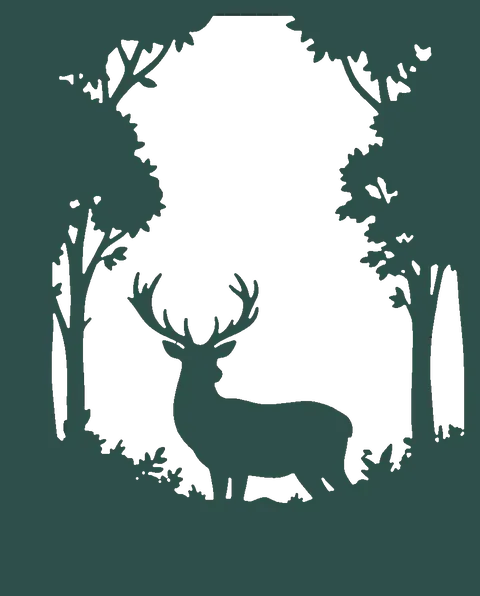 04
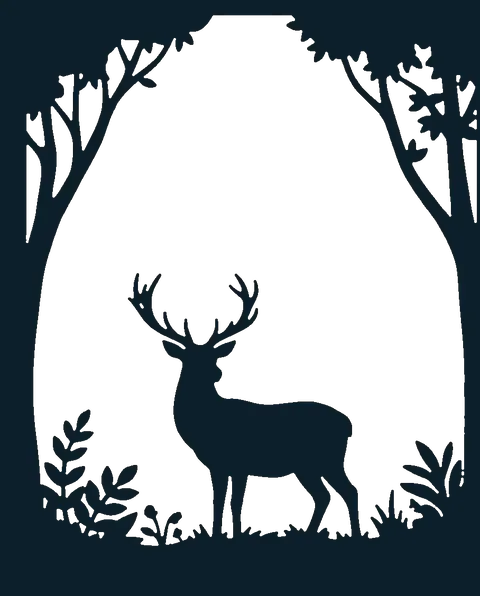 05
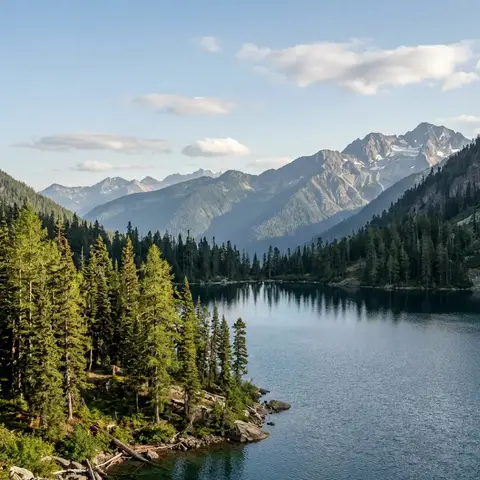
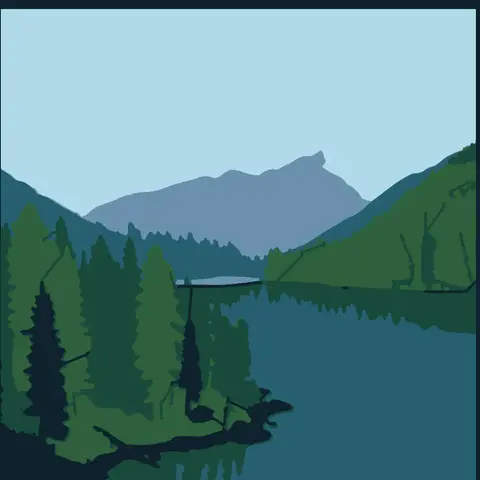
 01
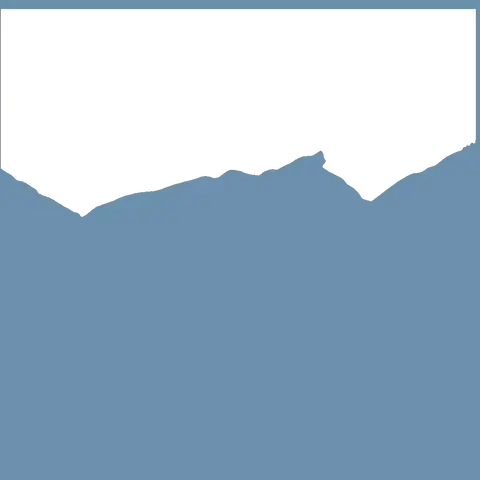 02
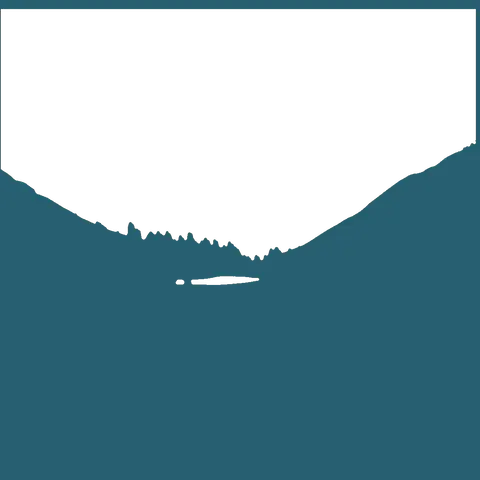 03
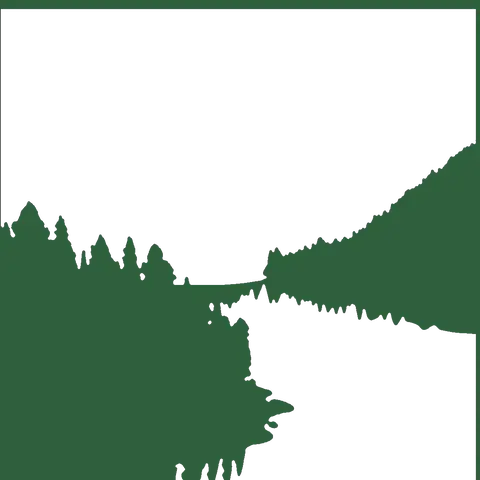 04
 05
 06
 01
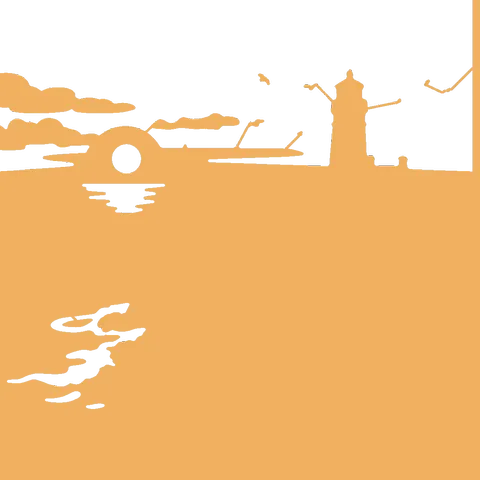 02
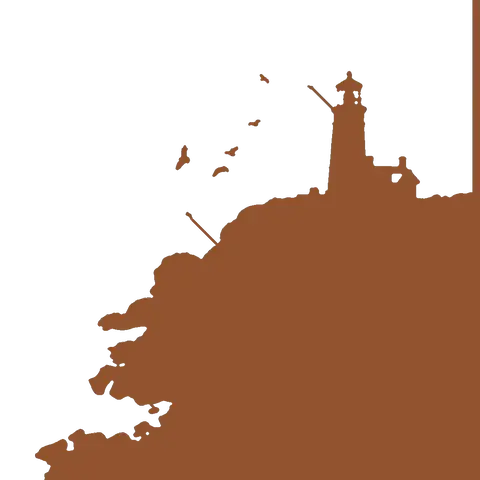 03
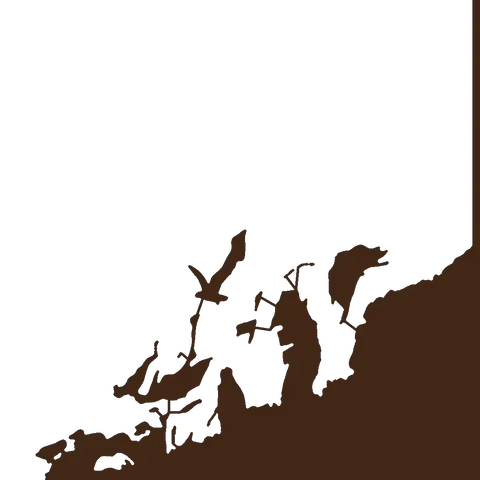 04
 05
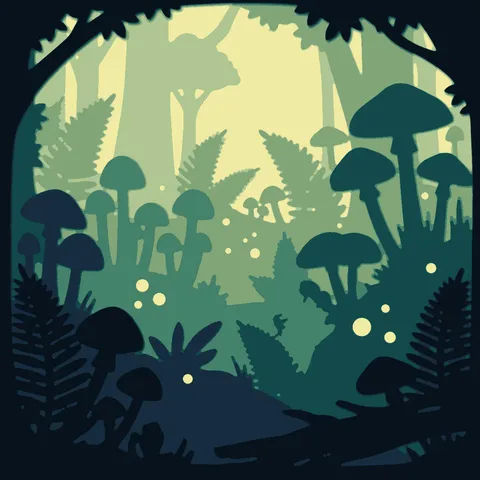
“A forest floor with tall mushrooms, ferns and fireflies”
 01
 02
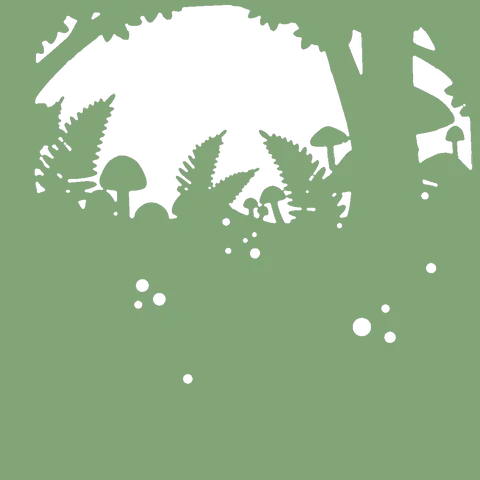 03
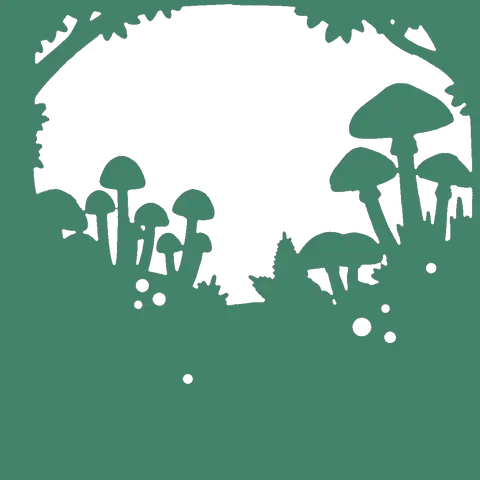 04
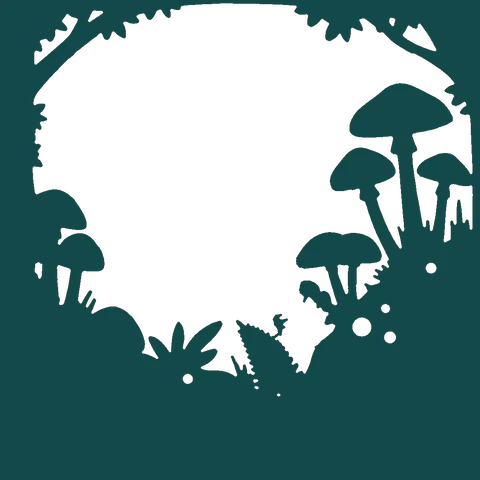 05
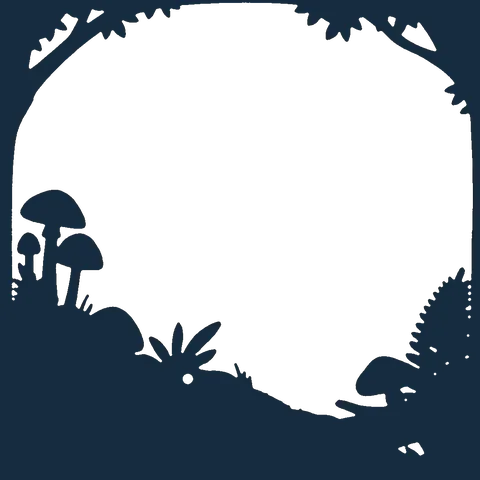 06
 07
 01
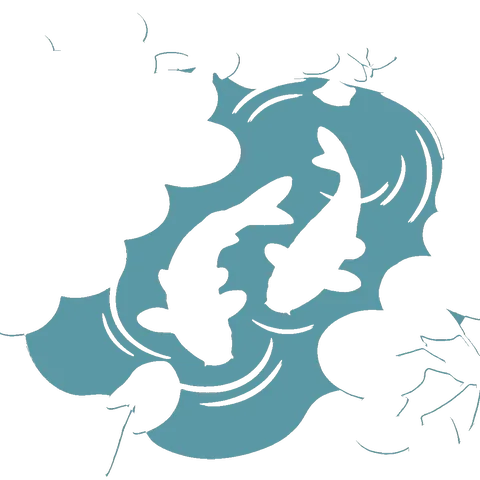 02
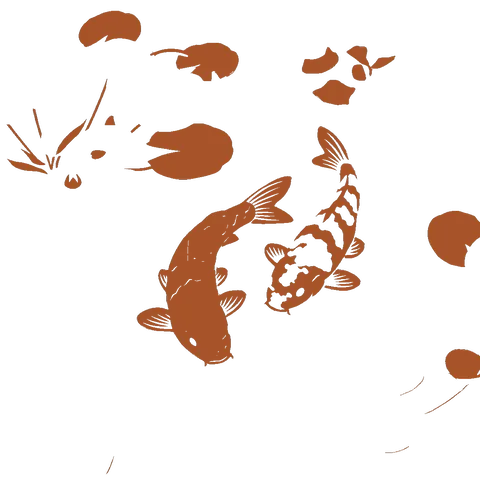 03
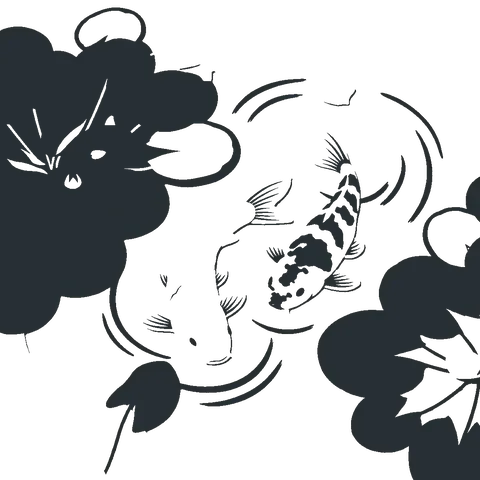 04
“An owl sitting on a branch in front of a large round moon”
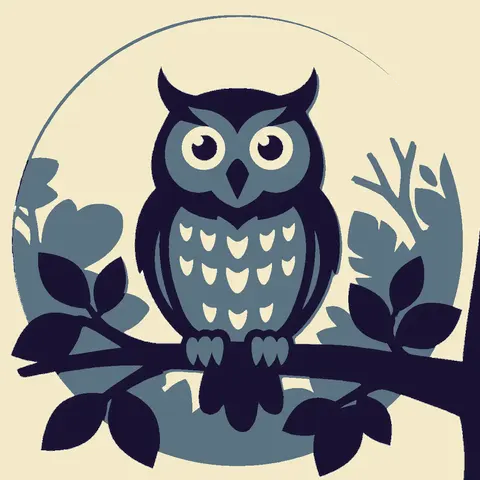
 01
 02
 03
Three jobs
One picture, three kinds of layered file
The same tone layers serve paper art, shadow boxes and screen printing. Each has its own page with settings to match.
Layered paper art
3D layered paper art from a photo: sheets cut away in order, each in its own cardstock colour.
Open the pageShadow box SVG
The stack plus a frame rim and spacer frames, sized for a box frame and a light strip.
Open the pageScreen printing colour separation
One film per spot colour with registration marks, for screens, stencils or risograph.
Open the pageCut-ready
Layered SVG files that survive the cutter
A pretty preview is not a cut file. These checks run on every design, on your device, every time you change a setting.
Island check
Pieces that would drop out of a sheet are counted and shown before you cut, sheet by sheet.
Thinnest line
Set the narrowest strip your blade or laser holds (0.5–3 mm). Thinner slivers are merged into their neighbours.
Light-box preview
Backlight the stack to see how a paper-cut lamp will glow, then change the layer count for free.
Bridges and frame
Floating pieces are tied to the nearest paper with short bridges; a piece too far away for one is flagged so you can glue it on.
Downloads
Files for the machine you own
Every paid design downloads in all of these. Quick layers gives PNG sheets.
- SVG per layer
- Cricut Design Space, Silhouette Studio, LightBurn, Inkscape. Plus a combined SVG, spacer frames and an assembly sheet PDF.
- DXF
- Laser and CNC software that wants DXF, one named layer per sheet, in millimetres.
- PNG at 300 dpi
- Print-and-cut, scan-n-cut or a printed template to cut by hand.
- Separation PDF
- Print mode: one film per colour with registration marks and colour names.
Credits
What a layered design costs
One fixed price per design, shown before it runs. Designs are made with Nano Banana 2.1 + Recraft Vectorize.
| Job | Good for | Credits |
|---|---|---|
| Design from a photo (1K) | Pets, landscapes and portraits for paper art up to A4 | 46 |
| Design from a photo (2K) | Larger frames and finer cuts | 58 |
| Design from a prompt | A scene you describe, drawn straight in flat tones | 38 |
| Vectorize your own flat art | Art already drawn in a few flat colours | 13 |
| Quick layers | A quick look in your browser, PNG sheets only | Free |
Credits are only kept for designs that finish. Changing layers, mode, size or bridges afterwards is free.
Pricing
Two plans and one pack
Pick a monthly or yearly plan if you cut often, or a pack for a project. New accounts get 13 free credits once: enough to vectorize one piece of your own flat art.
Plans open soon. Quick layers and the free sign-up credits work today.
Tracing Paper
For a few layered pieces a week
$11.41/month
$136.90 billed once a year
or $13.69 billed monthly
- 3,116 credits a month
- About 67 photo designs
- 3,116 credits arrive each month (37,392 over the year)
- Two designs at a time
- SVG, DXF, 300 dpi PNG and print films
Bone Folder
For makers who cut and sell every week
$22.24/month
$266.90 billed once a year
or $26.69 billed monthly
- 7,846 credits a month
- About 170 photo designs
- 7,846 credits arrive each month (94,152 over the year)
- Six designs at a time
- SVG, DXF, 300 dpi PNG and print films
- API keys and MCP from scripts
Credit packs
A one-time purchase that never renews and never expires, for a single project.
Cardstock Stack · $31.69
6,596 credits that never expire, about 143 photo designs.
Free to start: 13 credits once you confirm your email, with no card. That covers one vectorize job on your own flat art, once per mailbox. They never expire.
Money back: 7 days on monthly plans, 21 on yearly plans, 14 on packs, while at most 10% of the credits are spent. You get the unspent share back.
Questions about layered images
What is a layered image?
A layered image is one picture split into stacked sheets, each holding one tone or colour. Cut each sheet from paper, vinyl or wood and stack them with spacers, and the picture appears in relief. ImageLayered.io makes those sheets from a photo, a prompt or your own flat art, and checks they can be cut.
Is it free to try?
Quick layers is free with no account: it makes 2–6 tone layers from a photo on your device, with a 3D preview and PNG sheets. New accounts also get 13 credits once, after the email is confirmed, which covers one vectorize job on your own flat art. A design from a photo costs 46 credits.
Which AI models are used?
Nano Banana 2.1, Google's image model, redraws your photo or prompt as bold flat shapes in the number of tones you picked. Recraft Vectorize turns that flat picture into clean paths. Splitting the tones into sheets, the island check, bridges and every export are our own code.
Which cutting machines do the files work with?
The SVG files open in Cricut Design Space, Silhouette Studio (Designer Edition or higher for SVG), LightBurn, xTool Creative Space and Inkscape. Laser and CNC software that wants DXF gets one DXF with a layer per sheet, in millimetres.
How many layers should I use?
Three to five layers suit most pets, portraits and landscapes. Use six to eight for skies and detailed scenes in a deep shadow box. You can change the count after a design finishes at no cost and watch the island check update.
What are islands and bridges?
An island is a piece of a sheet that touches nothing else, so it falls out when cut, like the centre of an O. The island check counts them on every sheet. Bridges are short strips that tie each island to the nearest paper, so it stays in the sheet. A piece too far from any paper for a short bridge stays flagged, and you glue it onto the sheet behind.
Can I make screen printing colour separations?
Yes. Print separations mode makes one film per spot colour with registration marks and colour names, as a PDF, plus PNG films at 300 dpi. It is spot colour only, not simulated process.
What pictures can I upload?
A JPG, PNG, WebP or HEIC up to 15 MB and at least 256 px on each side. Upload only pictures that are yours or that you have permission to use; anyone shown must be you or have agreed. Pictures of children and of public figures are refused, and every upload is screened.
Who can see my pictures and designs?
Only you. There is no public gallery. Uploads and finished designs are deleted 30 days after the job. Quick layers never uploads your photo at all.
Can I sell what I cut?
Yes, on any plan, as long as you hold the rights to the picture you started from and the use follows the Terms and the Acceptable Use Policy. Designs drawn from a prompt are yours to use the same way.
Updated
Have a picture you want to cut in layers?
Add it, pick the layers and check the stack in 3D before you cut a single sheet.